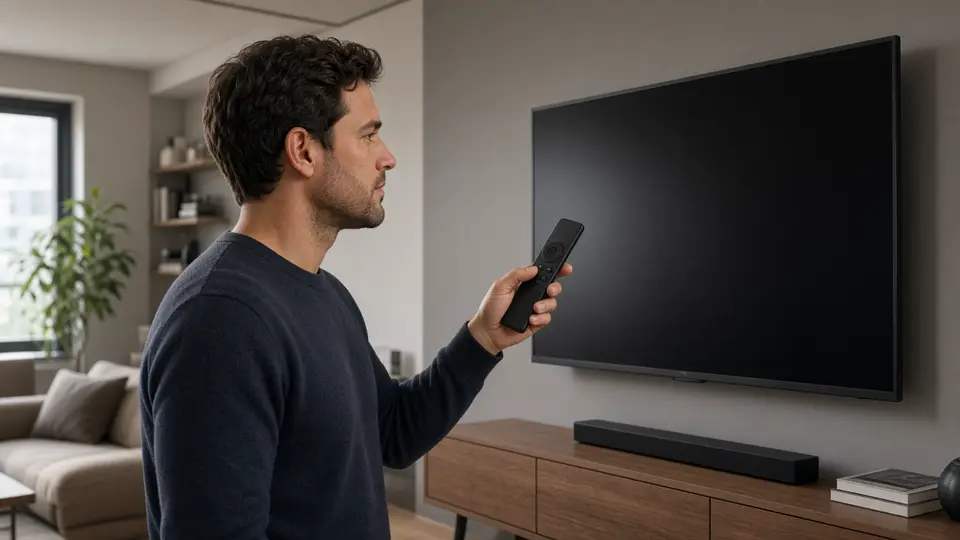
A Fire TV Stick is a small computer on an HDMI port, not a television package. If the stick is already behind the set, you do not need a new panel, a rented receiver, or a visit. You need three login fields and a player that Amazon actually lists. This is the order that wastes the least of an evening.
The full device page, including the errors people hit twice, is Fire TV setup.
Have the login before you open the store
Buying first sounds backwards until you are staring at empty fields. The message after payment contains a server address, a username, and a password. Every serious player on the stick asks for those three. Searching the store without them just adds a lap.
The prices are CA$21.99, CA$50.99, CA$70.99, and CA$84.99 for one, three, six, and twelve months. Each figure is one charge for one connection. Nothing renews by itself. The stick itself is not included. You are paying for the login, not for hardware.
Choose the term on Buy IPTV Canada. The four cards are also on pricing.
Stay inside the Fire TV store
From the home screen, search for a playlist player that has its own store page. Install it the way you install any other app on the stick.
If a tutorial tells you to open a browser and type a numeric code, close it. The setup this site will stand behind does not use a downloader code, a developer menu, or a file sent in a chat. A player that is not in the store is not the player we are describing.
Type the three fields, then stop
Open the app and pick the sign-in that asks for a server, a username, and a password. The labels move around. The values do not.
- Paste the server address if the stick lets you. Retyping it from memory is how a single character kills the login.
- Enter the username.
- Enter the password and check capitals and characters that look alike.
- Save, and ignore any banner that wants an account on some other website.
Your login is the credential. A second registration is not part of the purchase.
Twenty minutes on the television, not a thumbnail
After the fields are saved, play one live row for about twenty minutes on the set you will actually use. Then open one on-demand title you already know. A poster is not a test.
If the picture stutters, change one thing:
- The stick buried on a weak USB port, or on wifi at the far end of the flat, is a room problem. Power it properly and try ethernet if you have an adapter you trust.
- Another screen on the same username will usually cut this one off. One connection means one picture.
- A single wrong character in the password looks like a dead service. Check it before you buy a second term.
More of that split is on IPTV buffering. Most sources are HD. 4K & 8K show up only where the source provides them, and only if the stick and the television can actually output that picture.
Leave the stick alone after it works
Updates come from the same store. If the picture misbehaves later, update the player once and stop. Adding a second unknown app beside the first one is how a working evening becomes a troubleshooting project.
If the credentials never arrive, write to contact@iptvv.vip within 7 days and keep the receipt. That window is for a login that never comes. It is not a reason to pay twice while the first email is still in spam.
Which term for a first stick
The month at CA$21.99 is the clean way to learn whether this television and this wifi can hold an ordinary week. After that week has been reliable, the longer terms cost less per month. Twelve times CA$21.99 is CA$263.88. The year at CA$84.99 is CA$178.89 less only if you would have paid each of those months. A move, or a line you have not watched on, is a reason to stay short.
Questions
Do I need to jailbreak the Firestick?
No. Use a player from the Fire TV store. This guide does not ask for a download code or a developer setting.
Is a Firestick included with the plan?
No. The charge is the login. The stick is equipment you already own or buy yourself.
Can two Firesticks play at the same time?
Not on one connection. A second picture needs a second paid login.
Does the plan renew by itself?
No. When the date in the login message passes, playback stops until you pay for another term.